
How to Connect Yotpo Reviews to Your Shopeaks
Before You Start
Make sure you have:
- An active Shopeaks account
- Access to your Shopeaks admin
- Yotpo reviews already collecting on your store
Once that’s ready, you can connect everything in just a few minutes
Step 1: Log in to Shopeaks Admin
Go to:
admin.shopeaks.com
This is where you manage your account, integrations, and storefront experiences.
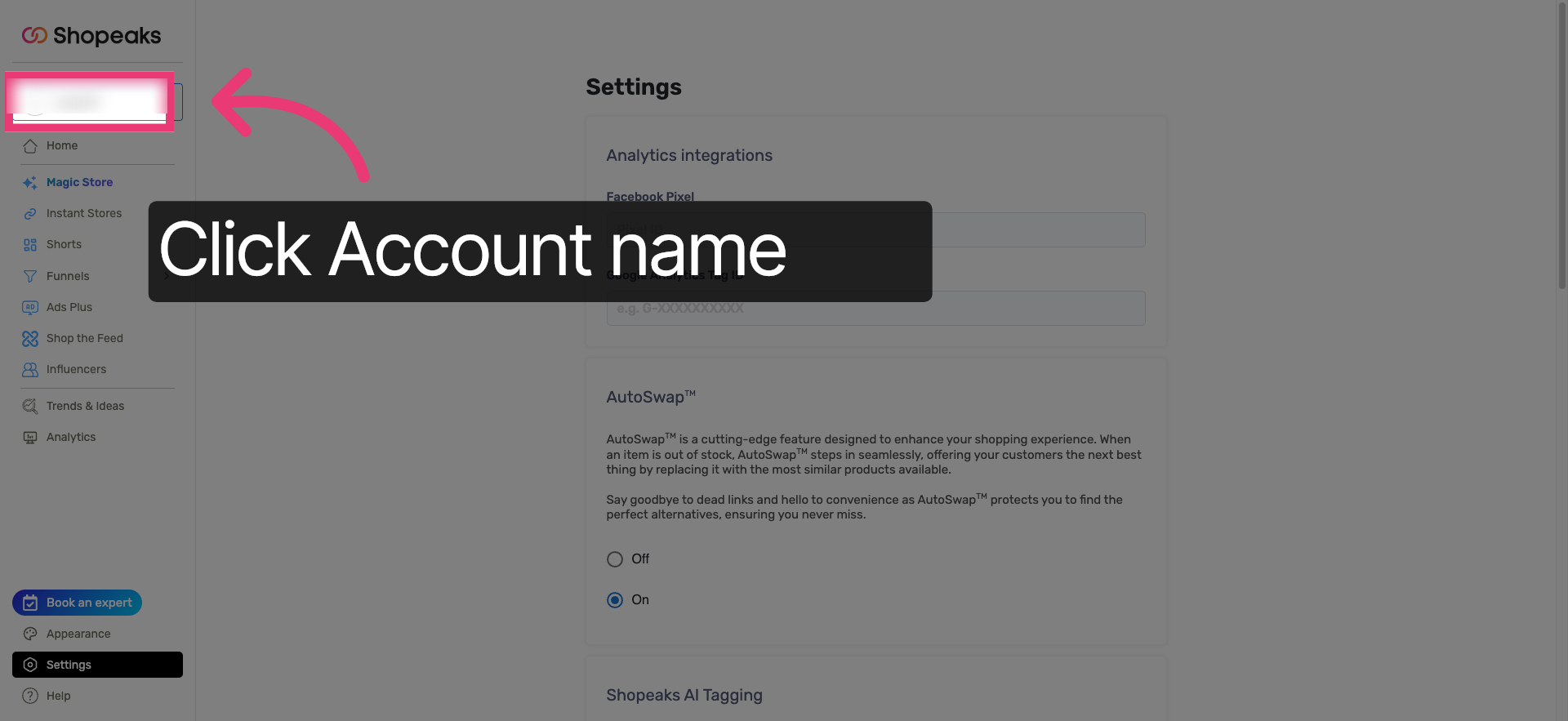
Step 2: Select Your Account
Click on the account name you want to connect.
This ensures the reviews are synced to the correct store and Instant Store experience.
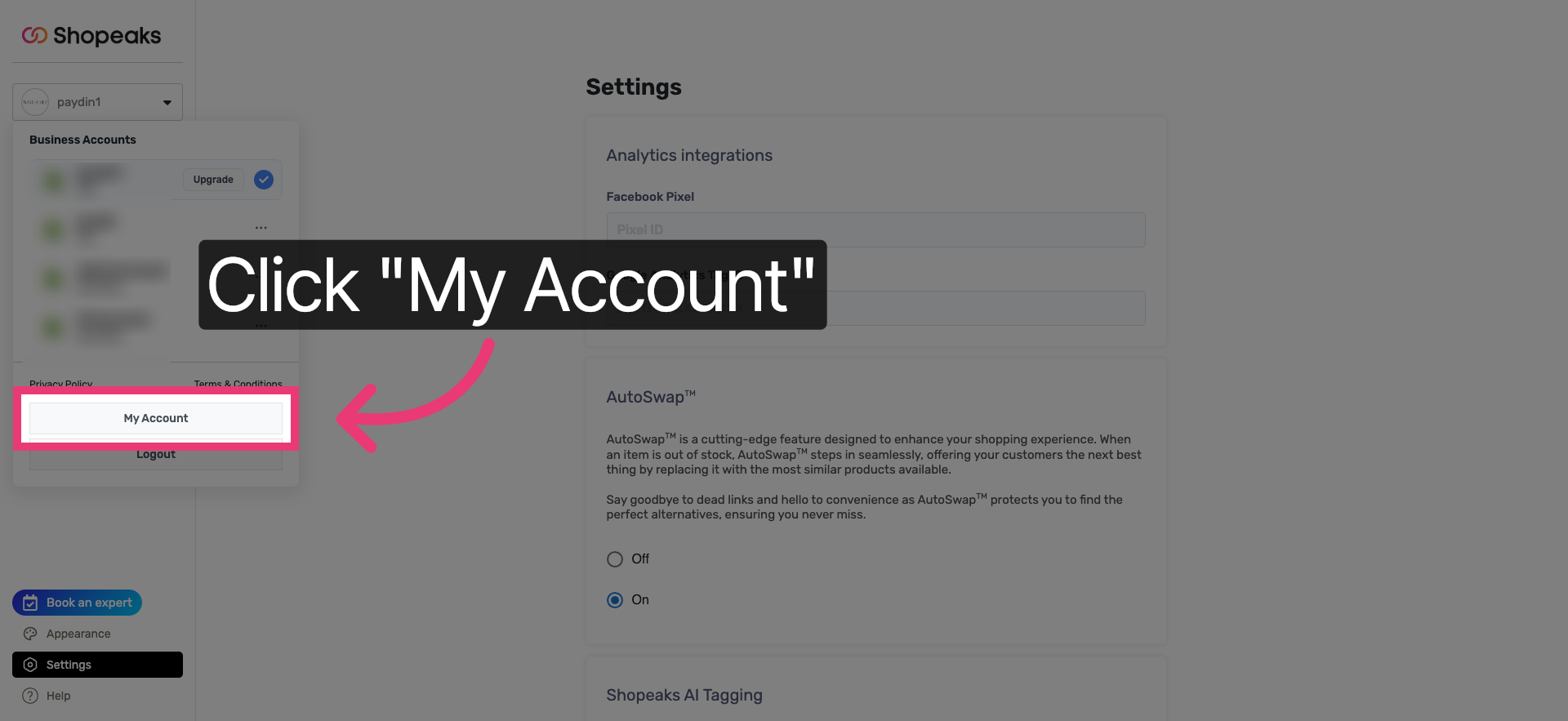
Step 3: Open “My Account”
Inside your dashboard, click My Account.
This section includes all user-level settings and available integrations.
Step 4: Start the Reviews Integration
Click Connect to begin linking Shopeaks with your reviews platform.
This is where Shopeaks requests permission to pull review data securely.
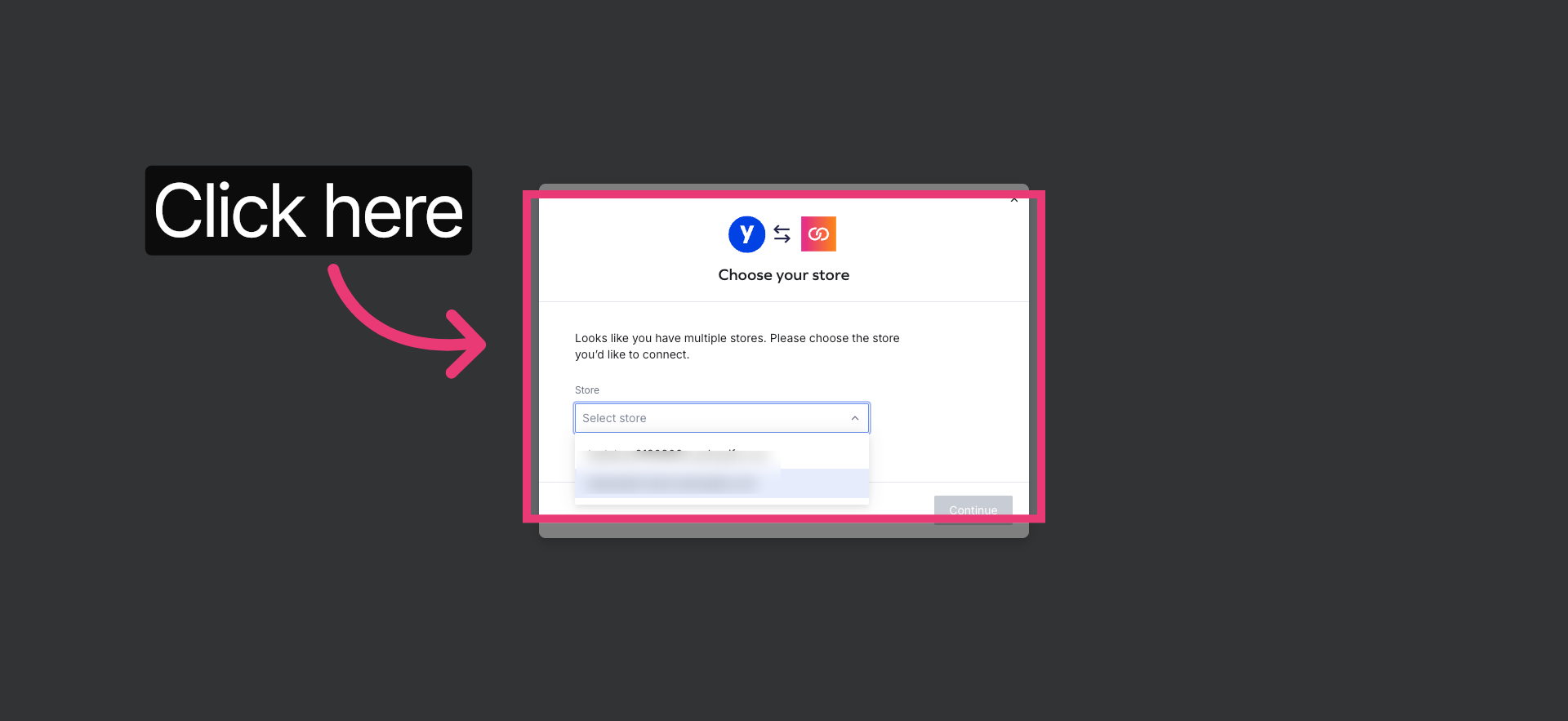
Step 5: Choose Your Store
Select the Shopify store you want to connect.
If you manage multiple stores, make sure you choose the correct one
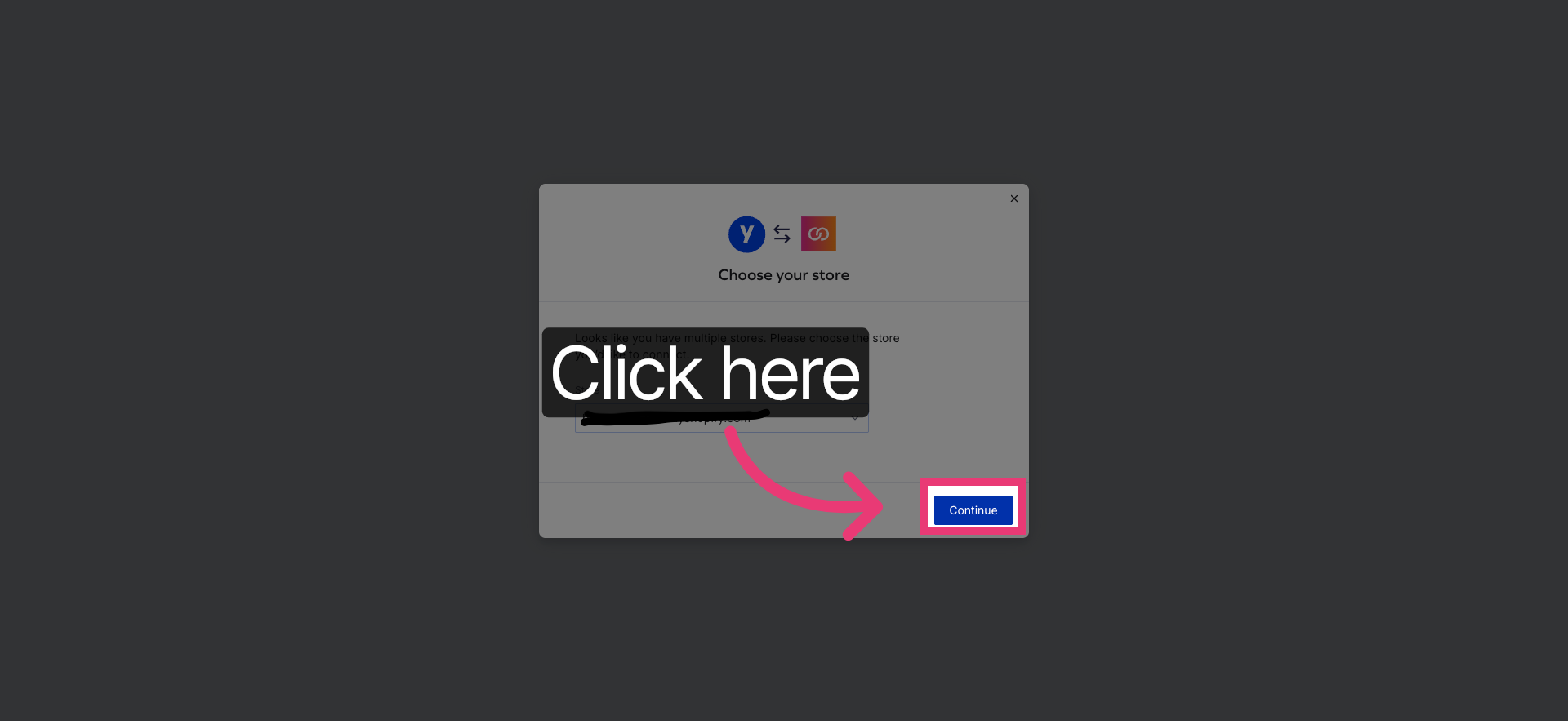
Step 6: Review Permissions
Click Continue to review the permissions.
This step ensures Shopeaks can display reviews correctly inside Instant Stores.
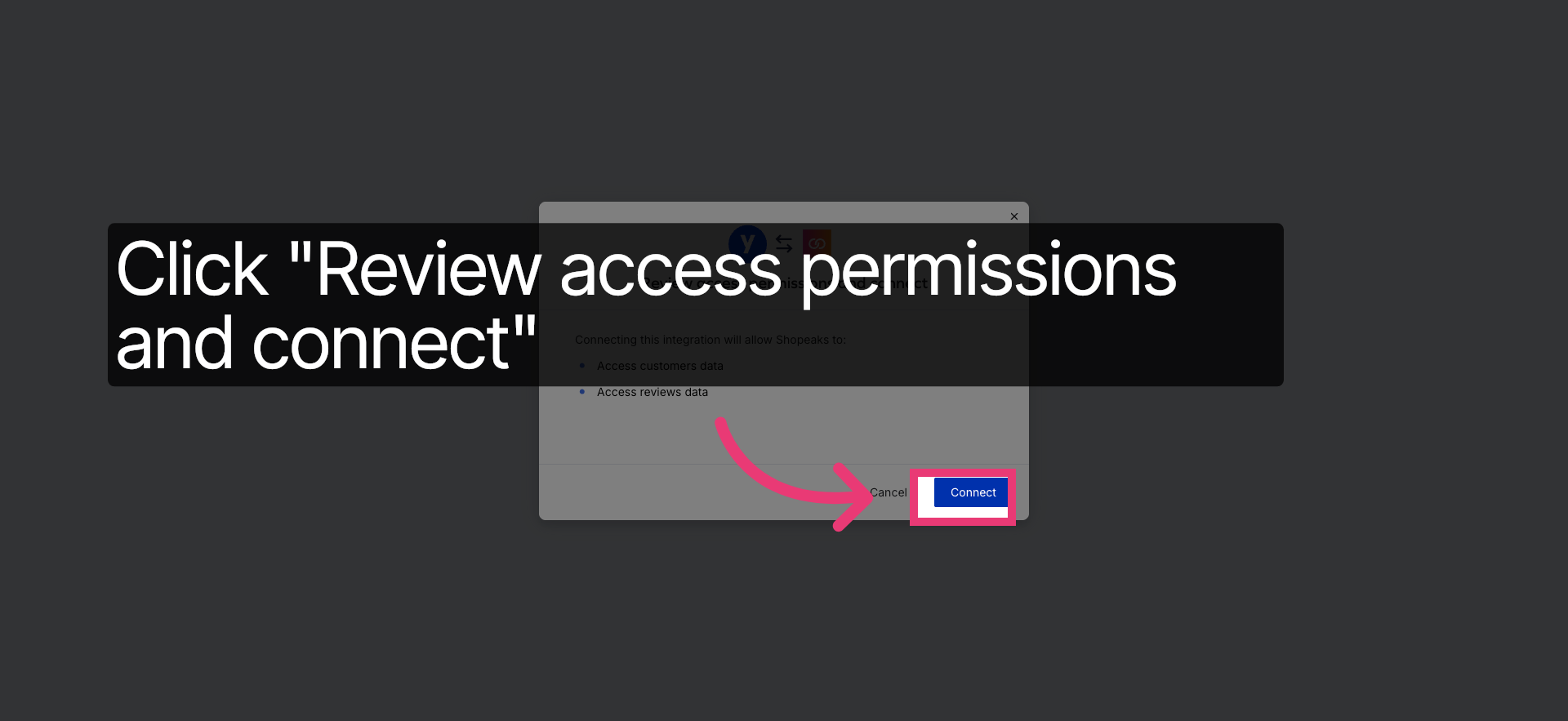
Step 7: Confirm and Connect
Click Connect to finalize the integration.
At this point, Shopeaks and Yotpo are successfully linked.
Step 8: Return to Account Settings
Once connected, go back to My Account.
This is where you can fine-tune how reviews appear in your storefronts.
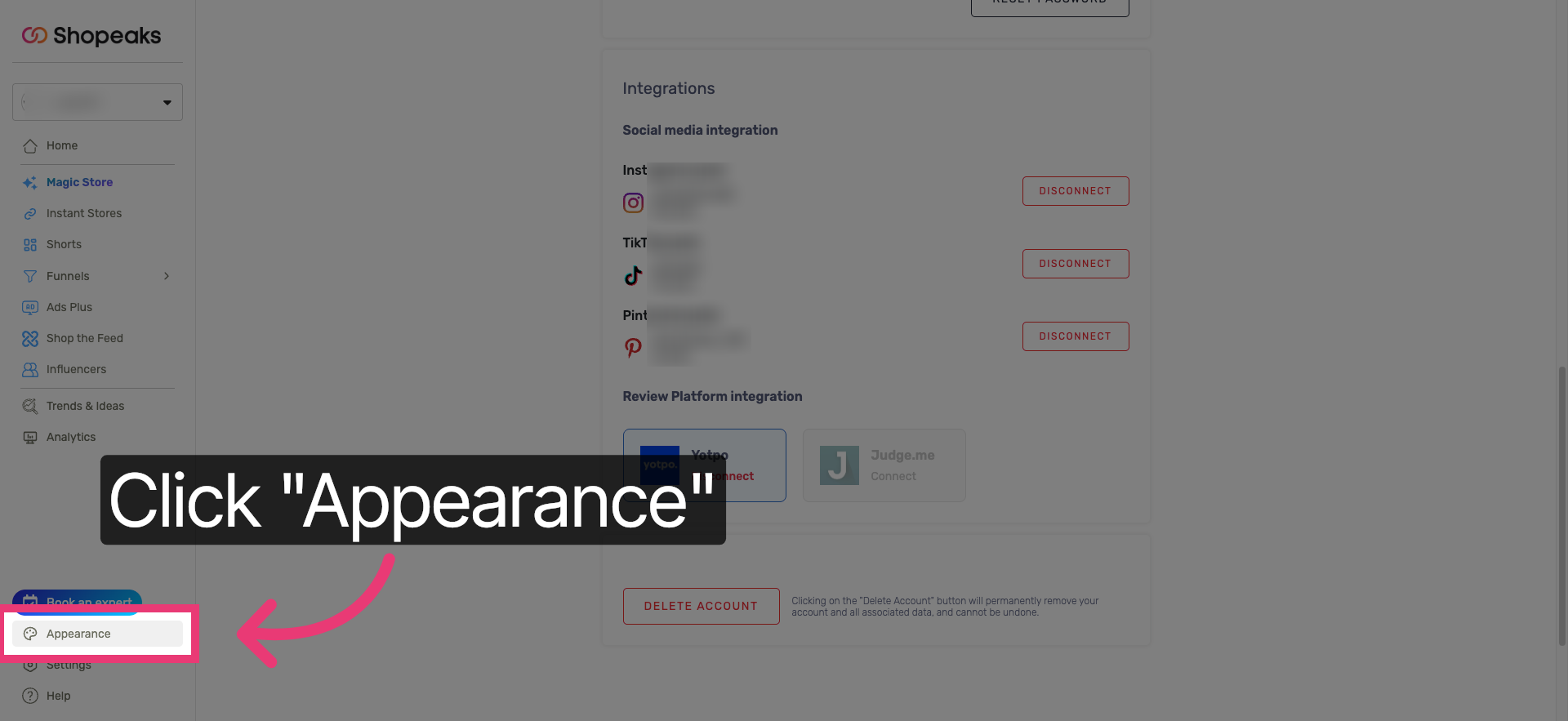
Step 9: Open Appearance Settings
Click into Appearance Settings.
This controls how reviews are displayed visually inside your Instant Store.
Step 10: Customize Appearance Options
Open the detailed appearance options.
Here you can adjust layout, visibility, and how reviews are presented alongside products.
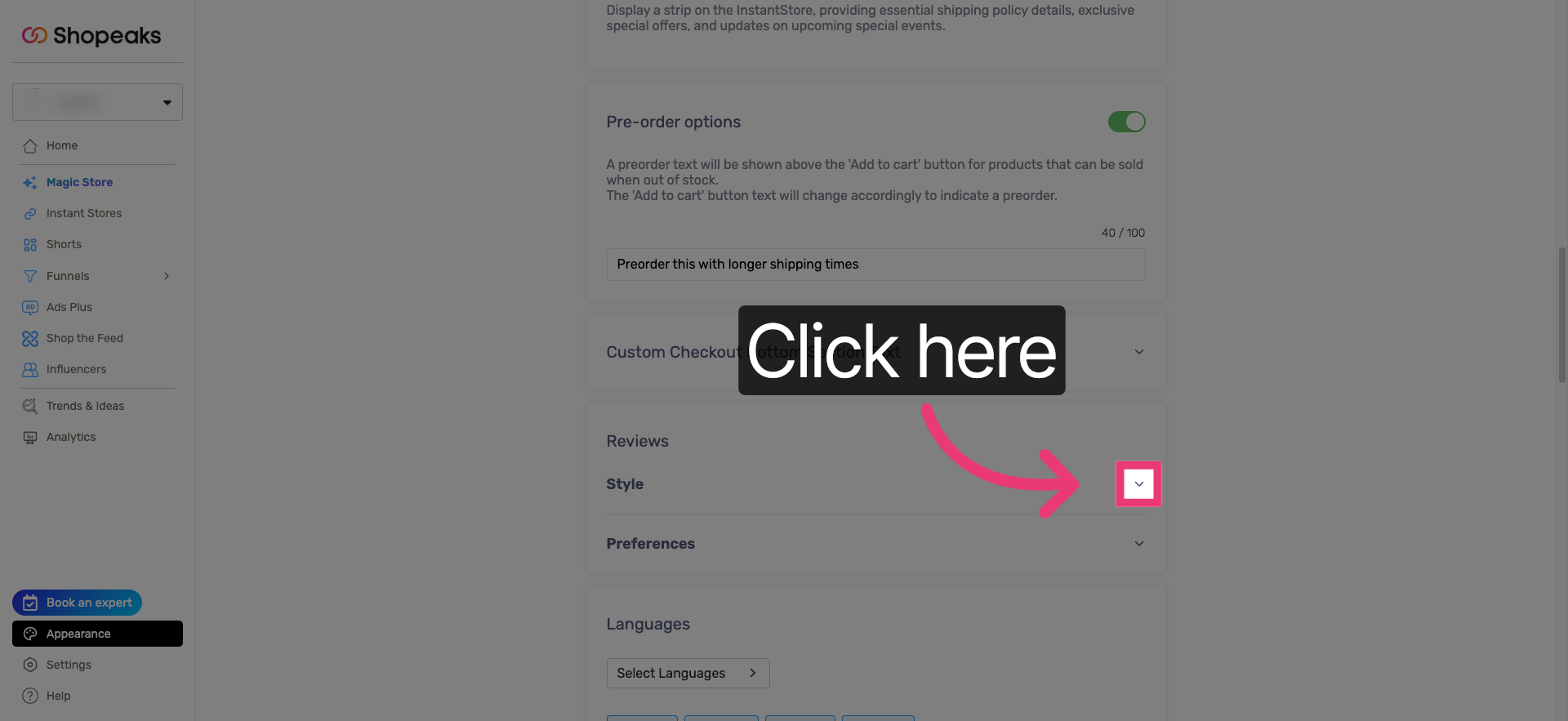
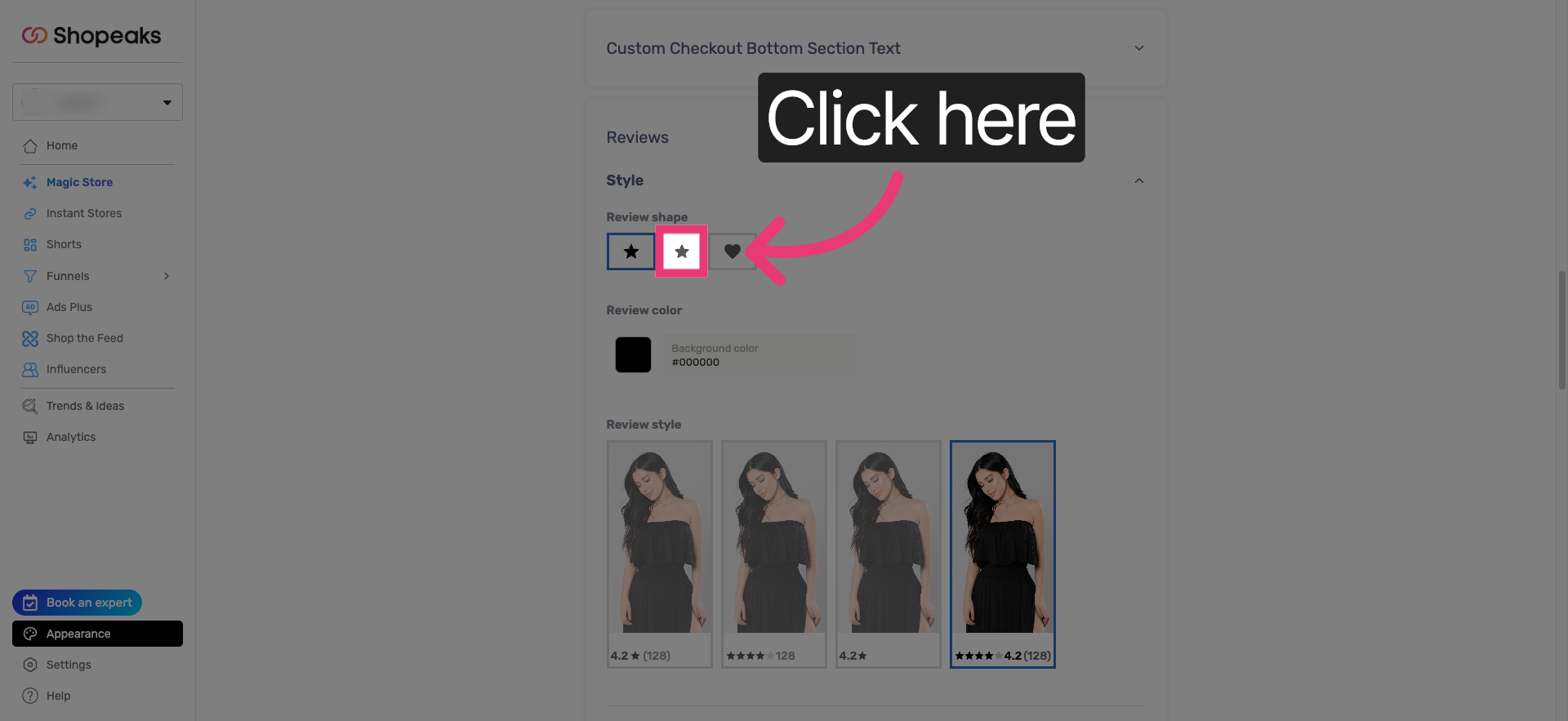
Step 11: Adjust Review Display
Click the relevant option to modify review display settings.
This is where reviews become part of the buying moment, not an afterthought.
You’re All Set
Your Shopeaks account is now connected to your reviews platform, and reviews will appear inside your Instant Store experience.
This means shoppers coming from Instagram, TikTok, or any social channel can see real feedback without leaving the flow that brought them there.
More from the blog

Ready to
make your store dynamic?
Give every click a destination built around the shopper who made it.
